goguma




 Sat 15 Aug 16:43
goguma
Sat 15 Aug 16:43
Sat 15 Aug 16:43
goguma
Sat 15 Aug 16:43
Claude, Codex, hermes, crontab, launchd, whatever else you run. It reads them all and knows when to wake for each one.
Install
macOS 14 or newer, and a password prompt for the root helper. Or download the app, which carries the same tools inside it.
How it works
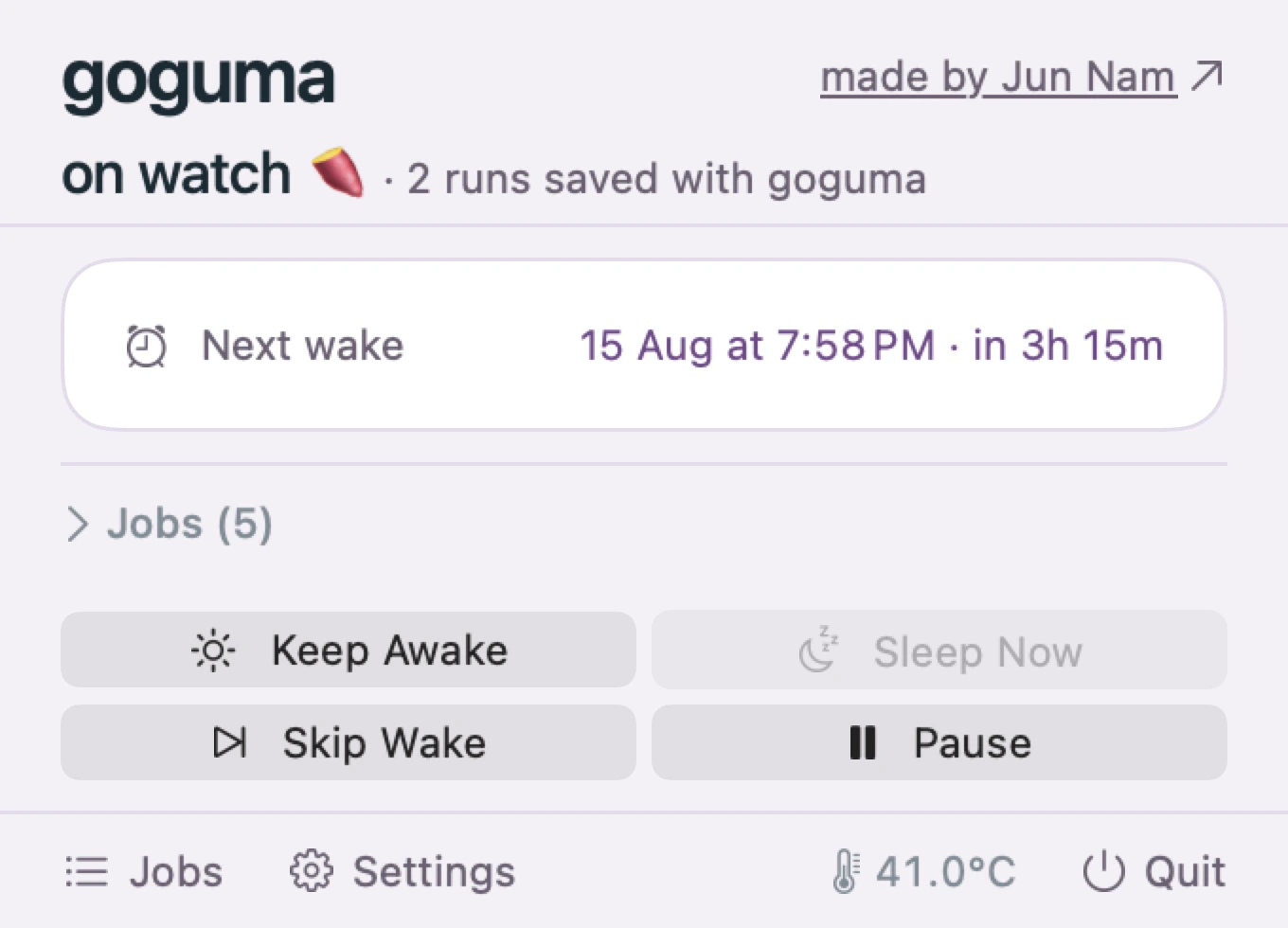
It reads the schedule already on the machine, wakes a moment before each job, holds sleep off until that job finishes, then lets go.
Long work
A coding agent runs for as long as it runs. Shut the laptop halfway through and the machine sleeps underneath it. Wrap the command and sleep is held off for exactly as long as it takes, lid closed included, then released.
Inside an editor there is no command to wrap, so the editor says so instead — set up for you, for Claude Code, Codex, Cursor and Gemini CLI.
Every line of goguma is open source on GitHub.
Wakes the machine 90 seconds before a job is due, blocks sleep while it runs, lets go when it's done.
No. Your existing scheduler still fires them. Running a second one would just mean everything executes twice.
caffeinate?No. caffeinate stops a Mac sleeping, so you have to leave it running all night for a 3am job. goguma lets it sleep and wakes it at 2:58.
It also can't hold a closed lid awake. caffeinate blocks idle sleep, and shutting the lid isn't idle sleep, so it stops the moment you close the laptop. That is the case an agent or a long build needs most.
Yes, and it is set up for you. Claude Code, Codex, Cursor and Gemini CLI are configured to say when they are working, so the Mac stays awake until they finish and sleeps once they do. It is a setting, so one switch takes it back out. goguma hooks shows what is in place; goguma hooks remove undoes it.
It stops when the agent stops, not on a timer, and two editors open hold separately so the one that finishes first doesn't sleep the machine under the other. For anything you start yourself, wrap it: goguma run -- claude -p "...".
This is needed because an agent can't be recognised from outside: its process is there whether or not it's working, and processor use doesn't separate the two, because an agent waiting on a model is a process waiting on a socket.
sudo pmset -a disablesleep 1?That is the mechanism goguma uses, and for one run you are sitting next to, it is enough.
It is a global setting that outlives the process that set it, and logout, and reboot. Forget to clear it and the Mac never sleeps again. goguma guarantees the other half: released when the command exits, when the background service dies, at 10% battery, and at 80°C.
A small helper does, and only because macOS lets nobody but root schedule a wake or keep a closed lid awake.
It can do exactly two things: set the wake time, and hold sleep off. It can't read your jobs, your files, or anything else, because it is never told about them. Everything else runs as you. --no-helper installs without it, and lid-closed jobs stop working.
Nothing about you. There's no account, no sign-in and no analytics. Your jobs, your commands and your schedules never leave the Mac.
goguma does fetch one small file from this site once a day, to tell you if a bug has been found or a fix is out. It's a plain download with no identifier attached, not even which version you're running, and what comes back is signed, so it can show a message and nothing else. It can't change a setting or run anything. Turn it off with goguma config set advisory_checks off, or get an email instead.
Only while a job is running. Holds expire on their own ceiling, five minutes by default, so a job that hangs can't pin the machine open all night.
It lets go. Above 80°C or below 10% battery, every hold is dropped and the Mac sleeps normally.
It also won't wake for a job it can't afford, measured against what that job has actually been costing.